

A storefront often gets slower one small addition at a time: a larger product image, another campaign script and a recommendation widget. A performance budget makes those additions visible. It defines which measurements matter, where they are collected and what should happen when a change crosses the agreed limit.
Choose a representative journey
Pick a product page with the options, images and integrations customers actually encounter. Include a collection page and the transition into the cart. Measure on a realistic mobile connection, then separate cold visits from repeat visits. If caching contributes to that difference, review the response audience and invalidation rules alongside the timings. A fast empty template tells you little about a page filled with live catalogue content.
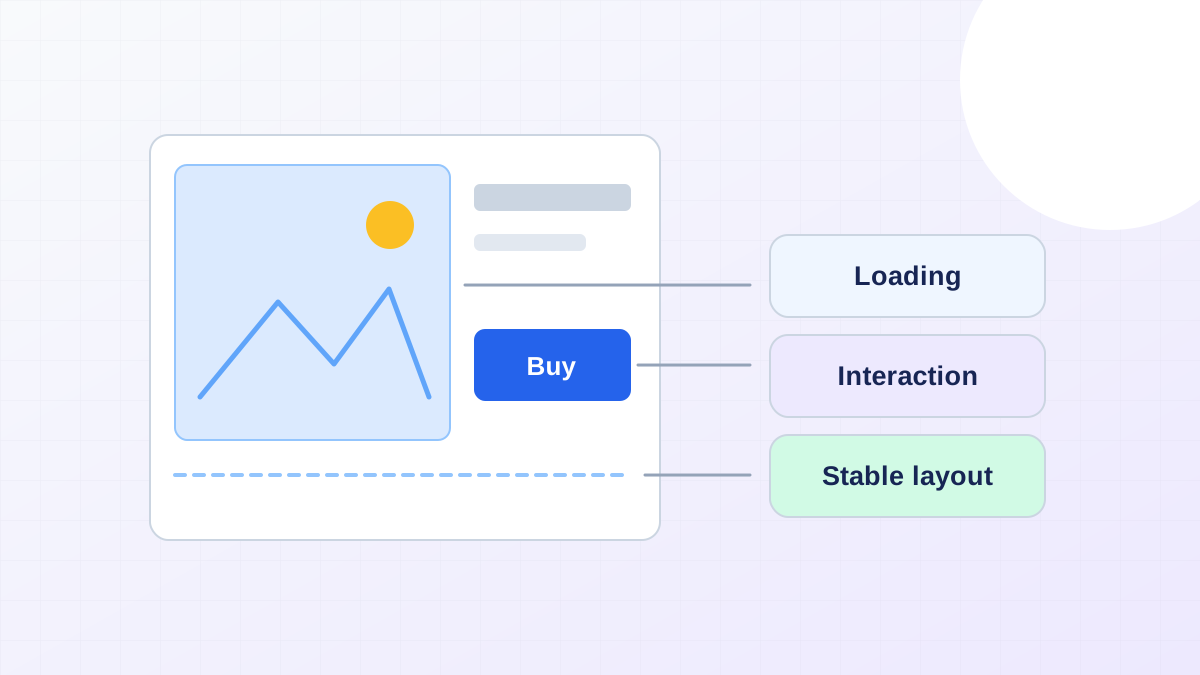
Google's Web Vitals guidance distinguishes loading, interaction responsiveness and visual stability through LCP, INP and CLS. Use field data to understand real visits and lab runs to investigate a repeatable scenario. Record the date and test conditions; one score is not a permanent description of the store.
Give expensive elements an owner
List image transfer size, JavaScript delivered to the page and third-party requests. Assign someone to approve each category's budget. A marketing script should have a stated purpose and a way to check whether it still earns its cost. Compressing images will not solve a main thread blocked by unrelated scripts.
Reserve space for images and embeds so content does not jump while loading. Deliver a suitable image size for the rendered slot, and avoid eagerly loading an entire gallery when the first image is all a visitor can see. Check that a loading optimisation does not hide the primary image from the browser until too late.
Make regressions actionable
Compare the same page template before and after a change. If an interaction becomes slower, capture the work triggered by that interaction instead of immediately changing hosting. Test variant selection and add-to-cart feedback as well as initial load. Keep correctness checks alongside speed measurements: a fast button that silently loses the chosen variant is still broken.
A Shopify performance engagement can turn the measurements into a prioritised queue. Pair the work with accessible form recovery when cart or checkout interactions fail, so improvements cover completing the purchase rather than only loading its first screen.