

Caching is easy to introduce around an expensive endpoint and harder to reason about after authentication, locale and permissions enter the picture. Before choosing an expiry time, identify whose response is being stored. A public catalogue and a customer's account summary have different reuse rules even when both are returned by the same API.
Classify the response
Record whether an endpoint returns public, user-specific or tenant-specific data. Include derived fields: a catalogue response that embeds a negotiated price is no longer identical for every visitor. Review application caches, browser caches and edge caches independently. Marking one layer private does not repair a cache key implemented incorrectly in another layer.
For authenticated data, start with a deliberately conservative policy. Add caching only where the audience and invalidation behaviour are explicit. Include tenant and permission context in the design where relevant, and test the policy with two users who are allowed to see different versions of the same resource.
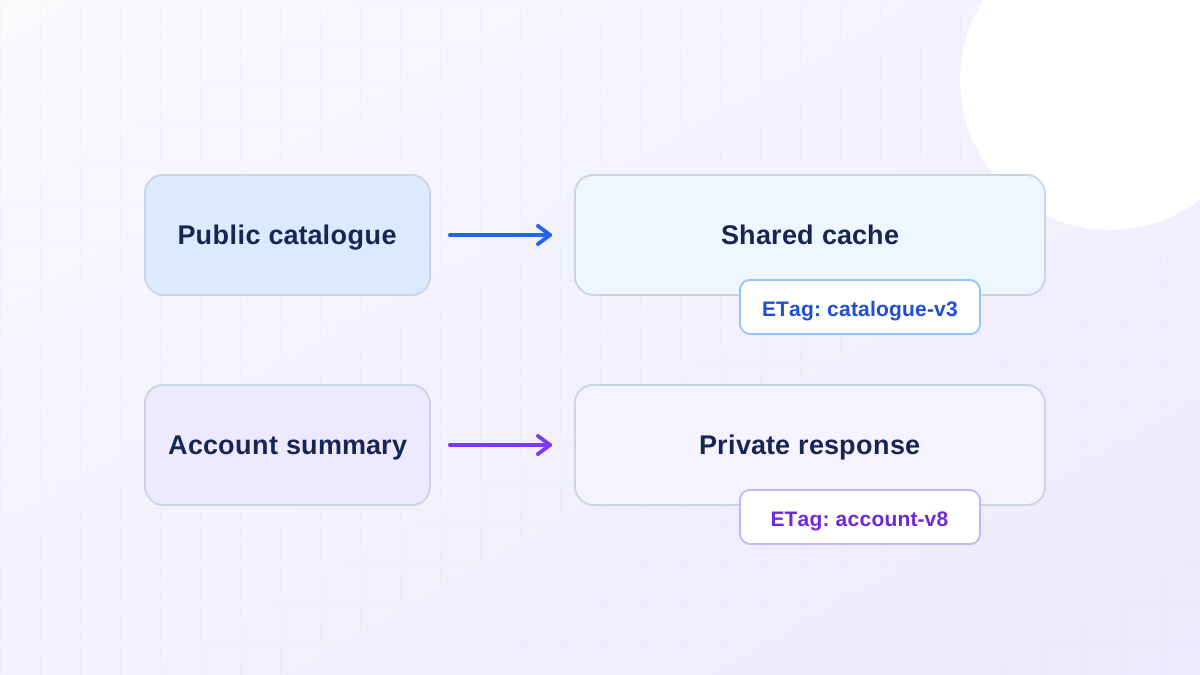
Use validators for unchanged representations
An ETag identifies a version of a representation and can support conditional requests. The MDN ETag reference describes both cache validation and its use with conditional updates. A validator reduces unnecessary transfer when the representation is unchanged; it does not establish who may access that representation.
Ensure the validator corresponds to the response actually served. Two representations that differ by language or account permissions should not accidentally share validation behaviour. Recheck authorization when handling a conditional request. Returning an unchanged response status is still part of the protected resource's access path.
Test the change that makes data stale
Test a price update, a removed team membership and a logout followed by a different login on the same device. Inspect response headers and displayed content after each transition. An expiry time limits some stale-data windows, but an urgent permission change may require invalidation or a fresh authorization decision.
Bring the endpoint inventory and these transition cases to an API integration review. Pair performance measurements with the product-page budget, so a faster response is accepted only after the team verifies that it is the correct response for that user.